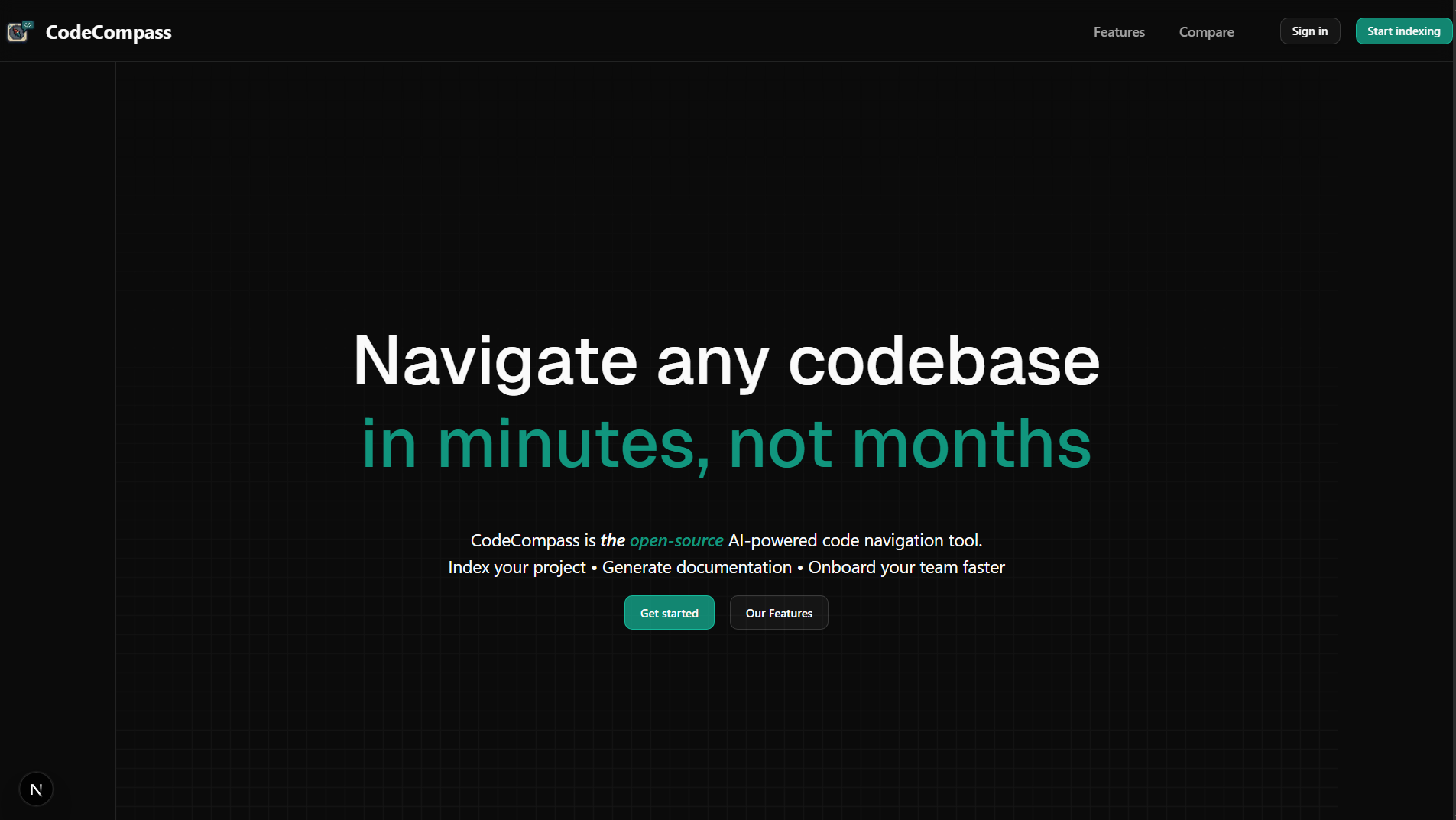
CodeCompass is a self-hostable RAG tool that lets engineering teams chat with their codebase and read AI-generated documentation in one place. It was built over Fall 2025 as a capstone for CSE-115A (Software Engineering) at UCSC.
I served as Product Owner — driving the product vision, scoping the roadmap, prioritizing the backlog, and keeping the team of five engineers (Nickolas, Hao, Stephen, Vincent, Evan) aligned with stakeholders week to week.
The Problem
New hires spend weeks ramping up on unfamiliar codebases, and the burden of answering their questions falls on senior engineers, slowing everyone down. Existing AI code-navigation tools sit behind third-party clouds, which is a non-starter for enterprises with strict privacy or compliance requirements, and most only support GitHub.
We wanted a tool that could:
- Answer natural-language questions about any repo, grounded in the actual source.
- Generate and continuously update documentation automatically.
- Run on-premise so codebases never leave the company.
- Support GitHub, GitLab, and local zip uploads, not just GitHub.
What We Built
CodeCompass is a web app with three core capabilities:
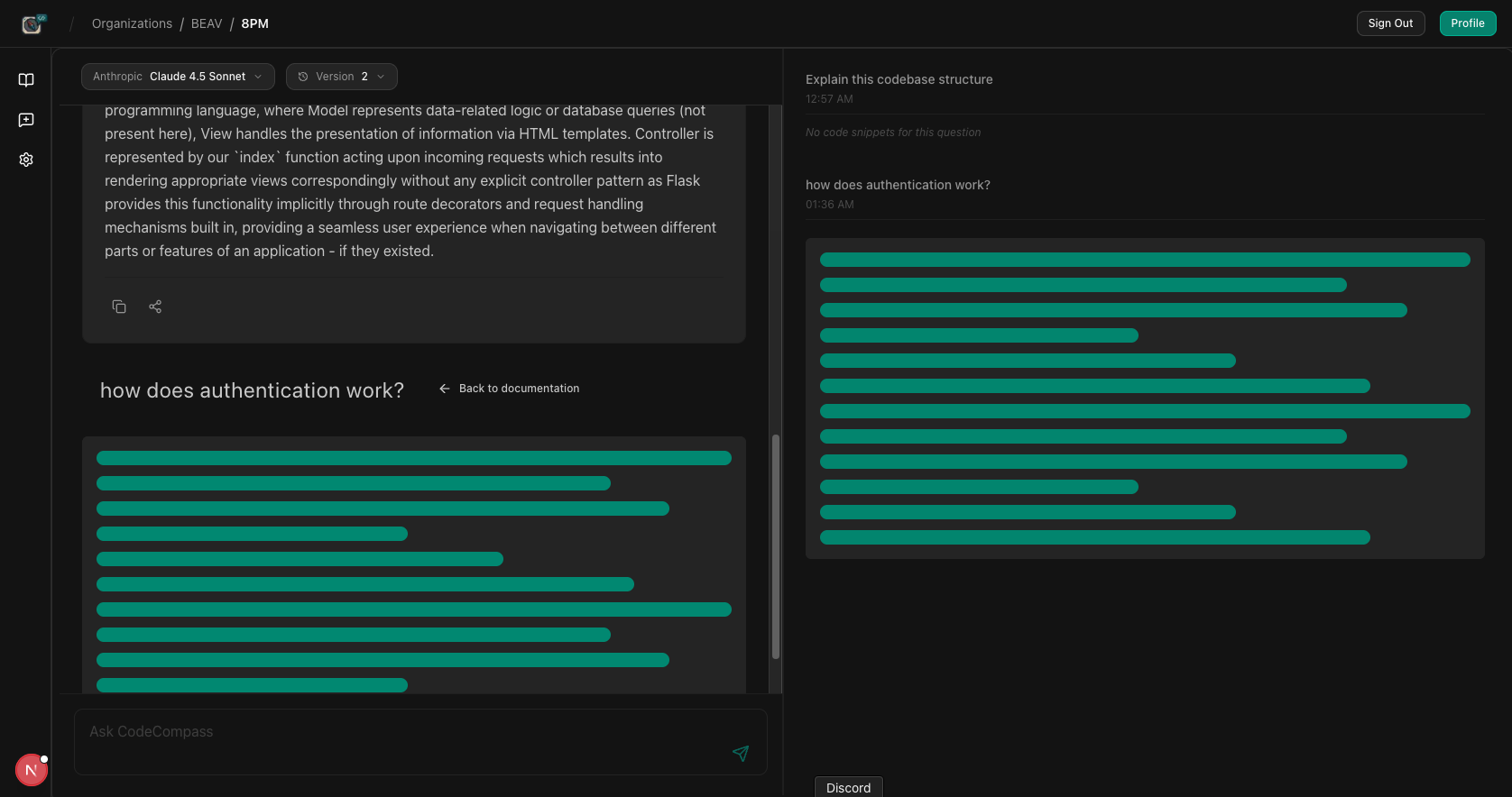
- Chat with your codebase. A RAG-powered assistant retrieves relevant files via vector search and answers questions grounded in real source code, not hallucinated guesses.
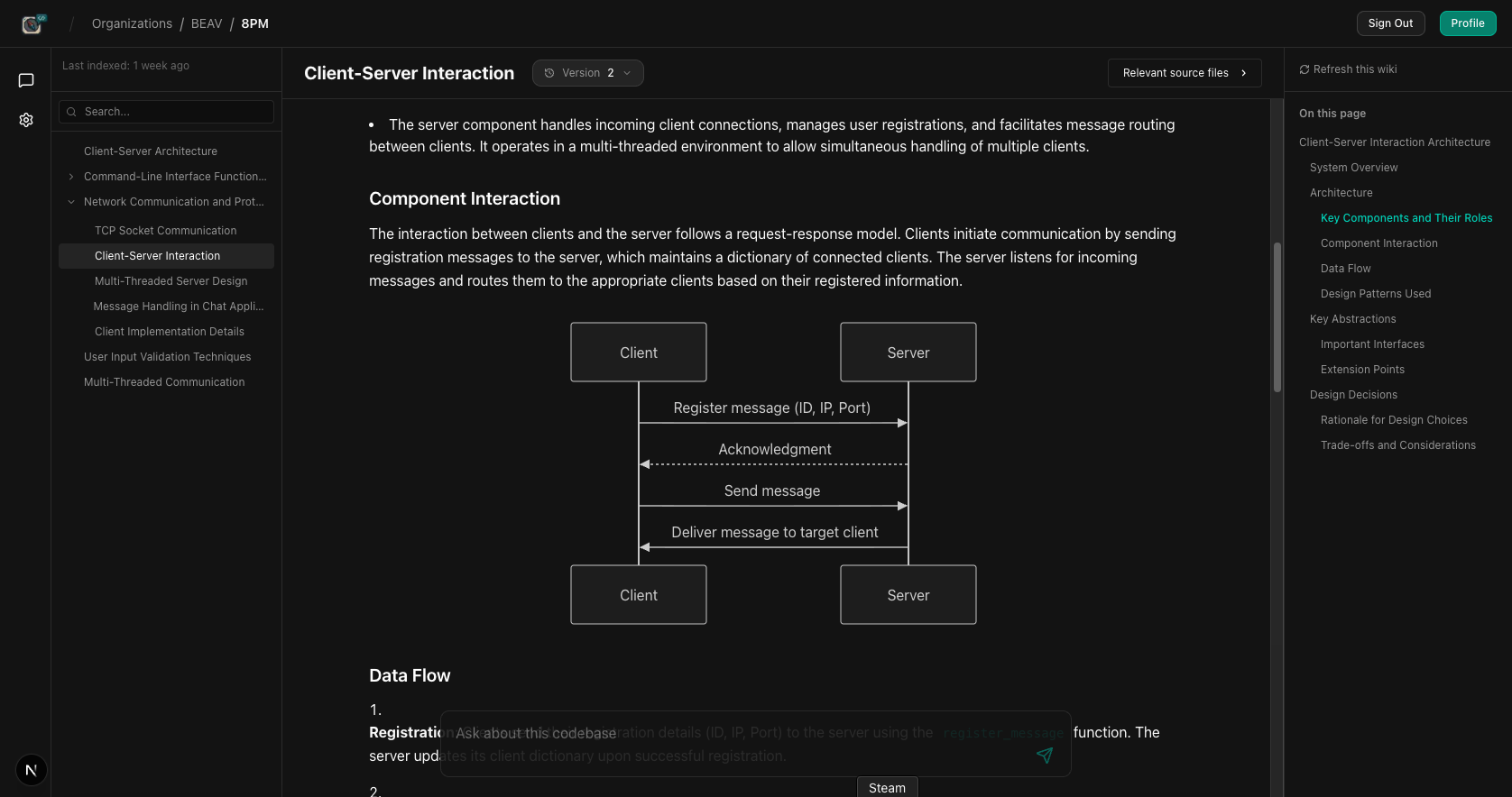
- Auto-generated documentation. Indexed repos get a structured wiki with architecture overviews, component breakdowns, and data-flow descriptions, regenerated as the code evolves.
- Org & repo management. Teams sign in with GitHub or GitLab, group repositories under organizations, and pick which LLM provider (cloud or local Ollama) powers their workspace.
Architecture
The system is split cleanly across three services: a Next.js frontend, a FastAPI retrieval/agent backend, and Supabase for auth + Postgres storage. Vector embeddings live in Chroma alongside the source index.
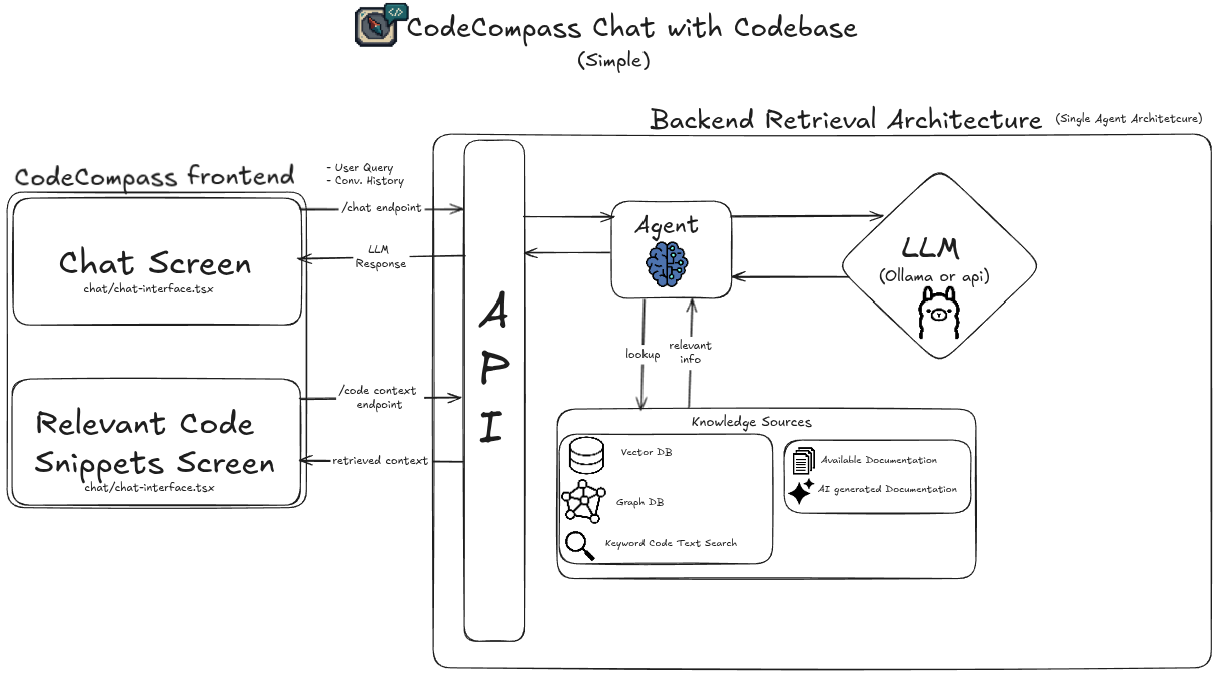
The retrieval pipeline:
- A user query hits the FastAPI
/chatendpoint. - The agent queries the vector store, graph DB, and keyword index for relevant code chunks.
- Retrieved context and conversation history are passed to the LLM (Ollama locally, or an API provider like Anthropic).
- The streamed response renders in the chat UI alongside the source files the answer was grounded in.
Tech Stack
- Frontend: Next.js, TypeScript, Tailwind CSS, shadcn/ui, Framer Motion, TanStack Query, Zustand
- Backend: Python, FastAPI, LangChain, Ollama, Language Server Protocol
- Data: Supabase (Postgres + auth), Chroma (vector embeddings)
- Infra: Vercel (frontend), self-hostable backend
Reflections
As Product Owner, the biggest lessons were on the coordination side, not the code:
- Scope discipline matters more than ambition. The team wanted to build everything: multi-LLM support, customizable UIs, graph-DB retrieval. My job was constantly trimming the next sprint down to what would actually ship and demo well.
- Architectural debt compounds fast. Long-lived feature branches that
drifted from
maincost us real velocity mid-quarter. By the second half of the project we'd switched to smaller, more frequent merges. - The privacy angle resonated. Framing CodeCompass as the self-hostable alternative gave the product a clear identity vs. the cloud-only tools in the space, and made every feature decision easier to evaluate.